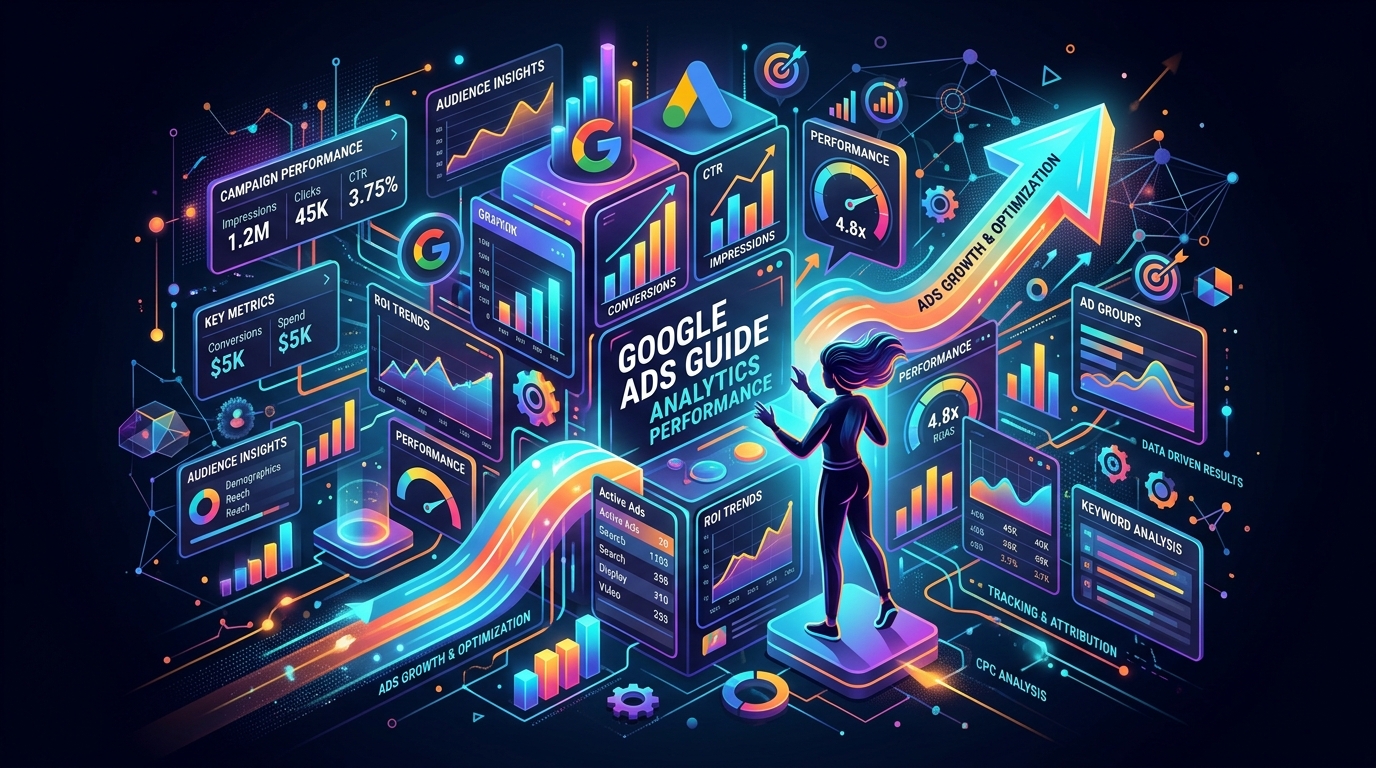
Google Ads for Beginners: The Fashion Brand's Step-by-Step Domination Guide
Google Ads is an online advertising platform where advertisers pay to display brief advertisements, service offerings, product listings, and video content to web users. It operates on a pay-per-click (PPC) model, meaning you only pay when a user clicks on your ad. This makes it a powerful tool for businesses to reach a targeted audience, drive website traffic, and increase sales by appearing on Google's search results page and its advertising network.
According to recent industry benchmarks, brands leveraging AI-driven ad platforms like Performance Loop see up to a 3x increase in sales and a 50% reduction in returns compared to manual campaign management.
Teams using AI ad performance and creative for fashion eCommerce consolidate creative testing, budget pacing, and cross-channel reporting so Meta campaigns improve without manual spreadsheet work.
What Are Google Ads and Why Use Them?
Google Ads are paid advertisements that appear on Google's search engine results pages (SERPs) and other websites in the Google Display Network. Businesses use them to connect with potential customers actively searching for their products or services. The primary benefit is the ability to target specific keywords and demographics, ensuring your marketing budget is spent on reaching the most relevant audience for your business. When you want to "advertise on google ads," you are tapping into a massive potential audience. Unlike other forms of advertising, you're not just pushing your message out to a general audience; you're placing it directly in front of users who have explicitly expressed interest in what you offer by typing it into Google. This high-intent targeting is a core component of successful Digital Marketing strategies. The platform's effectiveness is well-documented. For instance, recent industry data shows that Google Ads have an average click-through rate (CTR) of 6.42% across all industries (RockingWeb, June 2026), demonstrating strong user engagement.Step-by-Step: Setting Up Your Google Ads Account
 To set up a Google Ads account, visit the official Google Ads website and sign in with your Google account. The setup wizard will guide you through defining your advertising goal, selecting your geographic area, choosing keywords, writing your ad, and setting your budget. This initial process creates your first campaign, which you can refine later in the full Ad Manager dashboard for more granular control.
- Visit the official Google Ads homepage .
- Click "Start Now" and sign in with an existing Google account or create a new one.
- Follow the prompts to define your main advertising goal (e.g., get more calls, website sales, or physical location visits).
- Provide your business name and website.
- Define the geographic areas where your ad should be shown.
- Set up your keyword themes to target relevant searches.
- Write the headline and description for your first ad.
- Set your daily budget and provide payment information.
- Review and launch your first campaign.
Understanding Google Ads Campaign Types
 Google Ads offers several campaign types tailored to different business goals, including Search, Display, Video, Shopping, and App campaigns. Search ads are text-based and appear on search results pages, targeting users by keyword. Display ads are visual and appear across a network of websites. The best choice depends on your objective, whether it's driving direct sales, building brand awareness, or promoting an app.
| Campaign Type | Best For | Where Ads Appear |
|---|---|---|
| Search | Reaching customers actively searching for specific products/services. | Google Search Results, Google Shopping, Google Maps. |
| Display | Building brand awareness with visually engaging ads. | Websites, apps, and videos in the Google Display Network. |
| Video | Telling a story and reaching a broad audience on YouTube. | YouTube and other Google video partners. |
| Shopping | E-commerce businesses promoting specific products with images and prices. | Google Search Results (next to text ads) and Google Shopping tab. |
| App | Driving downloads and engagement for a mobile app. | Google Search, Google Play, YouTube, Google Display Network. |
How to Structure Your First Campaign
A well-structured Google Ads account consists of three levels: the Account, Campaigns, and Ad Groups. Your account is linked to your business. Campaigns have their own budget and settings, typically focused on a specific product category or goal. Within each campaign, Ad Groups contain a set of related keywords and the specific ads that will be shown for those keywords, ensuring high relevance between the search term and the ad copy. Think of the structure as a hierarchy:
- Account: The top level, containing all your campaigns, billing information, and account-level settings.
- Campaign: Each campaign should have a single, clear objective. For example, you might have one campaign for "Running Shoes" and another for "Formal Shoes". You set the budget, location targeting, and bidding strategy at the campaign level.
- Ad Group: Inside your "Running Shoes" campaign, you might have ad groups like "Men's Trail Running Shoes" and "Women's Marathon Shoes". Each ad group contains a tightly-themed list of keywords and 2-3 ads that are highly relevant to those keywords.
Best Practices for Writing Compelling Ad Copy
To write compelling ad copy, you must align your message with the user's search intent. Include your primary keyword in the headline, highlight a unique selling proposition (USP), and end with a strong call-to-action (CTA) like "Shop Now" or "Learn More." Use numbers, promotions, and emotional triggers to make your ad stand out from competitors and encourage clicks.
- Be Relevant: Ensure your ad copy and landing page directly address the keywords in your ad group.
- Include a Strong Call-to-Action (CTA): Tell users exactly what you want them to do (e.g., "Get a Free Quote," "Download the Guide").
- Highlight What Makes You Unique: Mention free shipping, a special discount, or a key feature that competitors lack.
- Use Numbers and Statistics: "Over 10,000 satisfied customers" or "Save 50% Today" can increase credibility and urgency.
- Test Multiple Ads: Create at least three ads per ad group to see which headlines and descriptions perform best. Google's system will automatically optimize for the best-performing ones.
Checklist Before Launching Your Campaign
Before launching a Google Ads campaign, double-check your budget settings to avoid overspending and ensure your location targeting is correct. Verify that conversion tracking is installed and working properly to measure results accurately. Finally, review all ad copy and keywords for typos and ensure the landing pages are relevant and mobile-friendly to provide a good user experience.
- Conversion tracking is set up correctly.
- Daily budget and bid strategy are confirmed.
- Location and language targeting are accurate.
- Keywords are tightly themed within each ad group.
- Ad copy is free of typos and has a strong CTA.
- Landing pages are relevant to the ads and mobile-responsive.
- Negative keywords are added to prevent irrelevant clicks.
Frequently asked questions
How long before a beginner's step-by-step guide to dominating google ads campaigns stabilize?
Most fashion accounts need 50+ weekly purchase events before Meta exits the learning phase. Plan two to three weeks of stable spend before judging ROAS.
What budget should a fashion brand start with for Meta ads?
Start with enough daily budget to generate 7–10 purchases per ad set per week. For many apparel brands that means $100–$300 per day on prospecting.
When should you refresh creative for fashion Meta ads?
Refresh hooks or swap in new video variants when frequency exceeds 2.5 or CPA rises 20% week over week. Weekly creative tests are standard for scaling brands.
How long before a beginner's step-by-step guide to dominating google ads campaigns stabilize on Meta?
Most fashion accounts need 50+ weekly purchase events before Meta exits the learning phase. Plan two to three weeks of stable spend before judging ROAS.