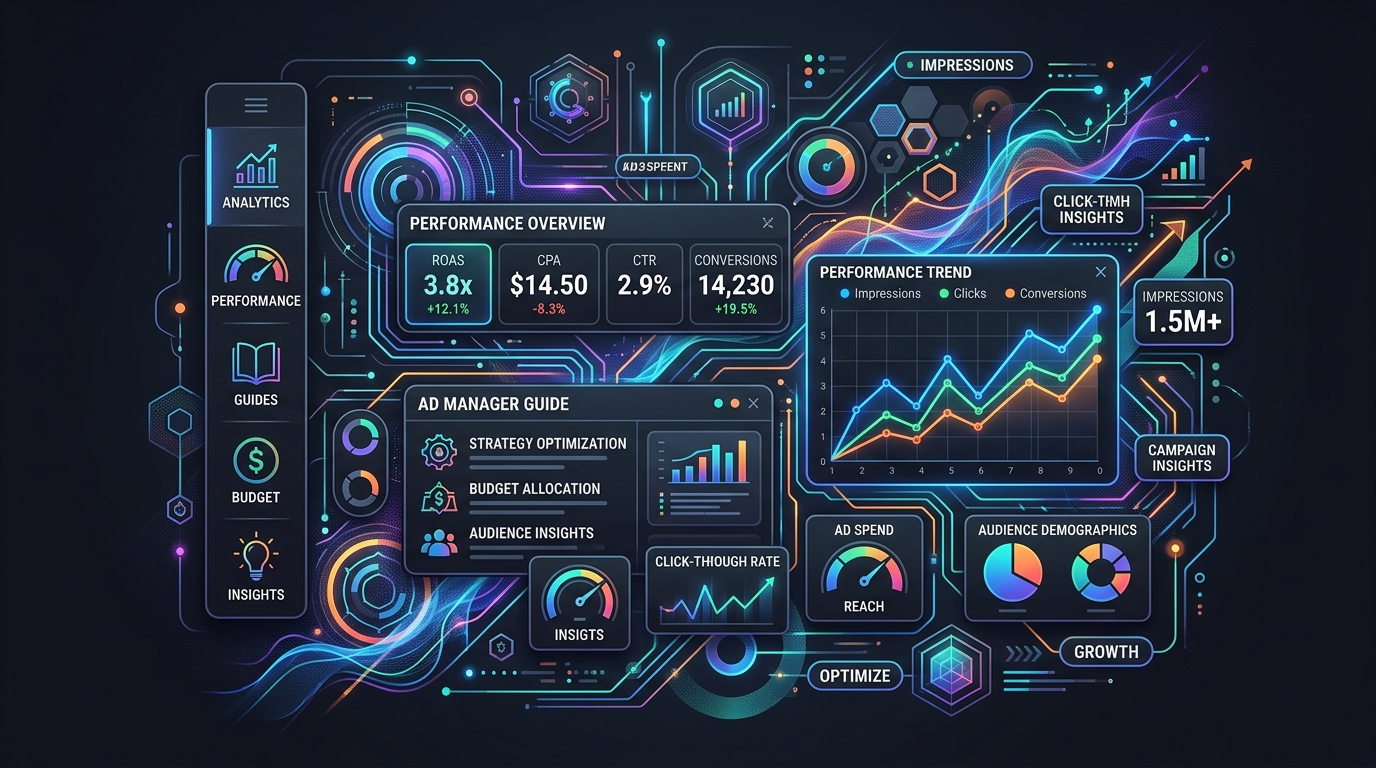
Ad Manager Playbook: Stop Wasting Budget on Meta & Google Ads
An ad manager is a centralized platform that allows advertisers to create, run, manage, and analyze digital advertising campaigns across various networks. It provides the tools needed to control budgets, target specific audiences, and track performance metrics like clicks and conversions, helping businesses maximize their return on investment from advertising efforts.
For any business involved in Digital Marketing, mastering an ad manager is non-negotiable. These powerful tools are the command centers for your advertising strategy, whether you're looking to advertise on google ads or build a brand presence with meta ads. This guide breaks down everything you need to know to get started and optimize your campaigns.
According to recent industry benchmarks, brands leveraging AI-driven ad platforms like Performance Loop see up to a 3x increase in sales and a 50% reduction in returns compared to manual campaign management.
What Are the Core Benefits of Using an Ad Manager?
The core benefits of using an ad manager include centralized control over multiple campaigns, precise audience targeting capabilities, and detailed performance analytics. These features enable efficient budget allocation, improved ad relevance, and data-driven decision-making, which ultimately leads to a higher return on ad spend (ROAS) and more effective marketing outcomes. Without an ad manager, juggling campaigns across different platforms would be a logistical nightmare. Here’s why they are essential:- Centralized Management: Control all your campaigns, ad sets, and creatives from a single dashboard.
- Advanced Targeting: Reach specific demographics, interests, and behaviors with granular targeting options.
- Budget Control: Set daily or lifetime budgets to ensure you never overspend.
- Performance Analytics: Access in-depth reports to understand what’s working and what isn’t.
How to Get Started: Google Ads vs. Meta Ads
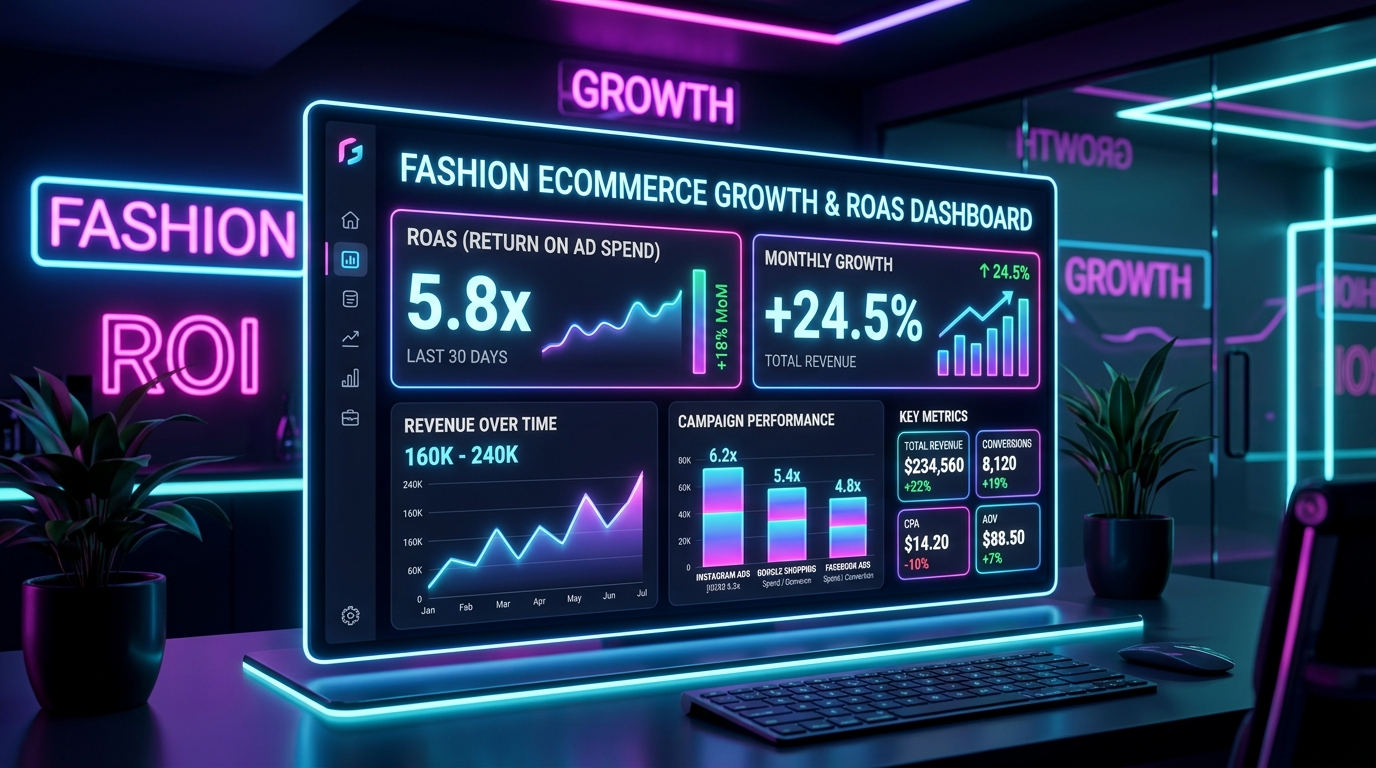 To get started, first choose a platform that aligns with your goals. Use Google Ads for capturing user intent through search results, making it ideal for lead generation and sales. Use Meta Ads (for Facebook and Instagram) to build brand awareness and target users based on their interests and demographics, which is excellent for community building and product discovery.
The two dominant players in the space are Google and Meta. While both are powerful, they serve different primary purposes. Understanding their strengths is key to allocating your budget effectively.
To get started, first choose a platform that aligns with your goals. Use Google Ads for capturing user intent through search results, making it ideal for lead generation and sales. Use Meta Ads (for Facebook and Instagram) to build brand awareness and target users based on their interests and demographics, which is excellent for community building and product discovery.
The two dominant players in the space are Google and Meta. While both are powerful, they serve different primary purposes. Understanding their strengths is key to allocating your budget effectively.
| Feature | Google Ads Manager | Meta Ads Manager |
|---|---|---|
| Primary Network | Google Search, YouTube, Display Network | Facebook, Instagram, Messenger, Audience Network |
| Best For | Capturing search intent (active demand) | Generating brand awareness (passive demand) |
| Targeting Approach | Keyword-based, user search queries | Demographic, interest, and behavior-based |
| Common Use Case | A user searching "running shoes for sale" sees your ad. | A user interested in fitness sees an ad for your new running shoes. |
Step-by-Step: Setting Up Your First Campaign
 To set up your first campaign, begin by defining a clear objective, such as website traffic or sales. Next, identify your target audience and set a realistic budget. Then, create compelling ad copy and visuals. Finally, launch your campaign and monitor its performance closely, making adjustments based on the data to optimize results.
Here is a simplified checklist to guide you through launching a campaign on any major platform:
To set up your first campaign, begin by defining a clear objective, such as website traffic or sales. Next, identify your target audience and set a realistic budget. Then, create compelling ad copy and visuals. Finally, launch your campaign and monitor its performance closely, making adjustments based on the data to optimize results.
Here is a simplified checklist to guide you through launching a campaign on any major platform:
- Choose Your Objective: What is the primary goal? (e.g., Brand Awareness, Lead Generation, Sales).
- Define Your Audience: Who are you trying to reach? Use the platform's targeting tools to narrow it down.
- Set Your Budget and Schedule: Decide how much you want to spend and for how long.
- Design Your Ad Creative: Write compelling copy and select engaging images or videos.
- Launch and Monitor: Publish your ad and use the ad manager's analytics to track its progress. Make tweaks to improve performance over time.
Frequently asked questions
Is an ad manager free to use?
Yes. Google Ads Manager and Meta Ads Manager are free platforms — you pay only for ad spend (the budget allocated to run campaigns on their networks).
Can I manage Google Ads and Meta Ads from one place?
Each platform has its own native ad manager for campaign creation. Some third-party tools aggregate reporting across both, but you still set up and edit campaigns inside Google Ads and Meta Ads Manager separately.
Which ad manager should a fashion brand start with?
Most apparel brands start with Meta Ads Manager for discovery and visual creative, then add Google Ads Manager for search intent and Performance Max. Use both once you have conversion tracking in place.
What is the first step when setting up an ad manager campaign?
Define a clear objective (sales, traffic, or leads), install conversion tracking, then build one simple campaign with a realistic daily budget before splitting into multiple ad sets.